Multi-Asset Strategy
These strategies allow traders to deploy the same logic across one or multiple symbols simultaneously, maximizing efficiency across a diversified watchlist.
1. Strategy Profiles
1.1 Bearish Reversal Trading
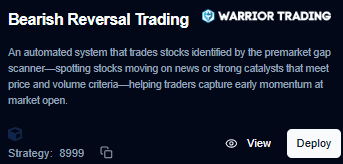
Automated strategy focusing on stocks identified by the Premarket Gap Scanner. It targets symbols moving sharply due to news or strong catalysts, looking for price exhaustion and reversal signals supported by volume.
- Objective: Capitalize on early-session bearish reversals following extended premarket or opening moves.
- Best Suited For:
- News-based gap stocks.
- High premarket volatility environments.
- Short-selling strategies at market open.
1.2 Bullish Reversal Trading
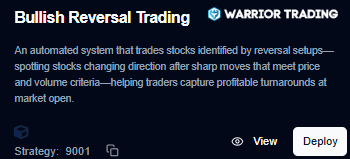
Identifies reversal setups after sharp downward moves. Using price and volume confirmation, it detects stocks entering a potential recovery phase to capture upside reversals.
- Objective: Capture bullish turnarounds after panic selling or sharp intraday declines.
- Best Suited For:
- Oversold stocks.
- Mean-reversion opportunities.
- High-volume reversal setups.
1.3 High of Day Momentum
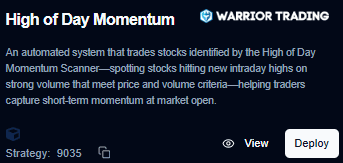
Trades stocks identified by the High of Day Momentum Scanner. It focuses on symbols making new intraday highs on strong volume, signaling institutional interest.
- Objective: Ride short-term momentum breakouts during strong intraday trends.
- Best Suited For:
- Momentum trading and breakout strategies.
- High relative volume (RVOL) stocks.
2. Multi-Asset Deployment Workflow
The following process outlines how to transition a strategy from the library to live market monitoring across multiple assets.
Step 1: Selection
Navigate to the Strategies page and select the desired logic (e.g., HOD Momentum).
Step 2: Enable Deployment
Click the Deploy option to begin the configuration wizard.
Step 3: Add-On Configuration (Optional)
Configure any optional strategy add-ons, such as specific risk filters or advanced exit modules.
Step 4: Asset Selection
Select one or more trading assets (symbols) that the strategy will monitor simultaneously.
Step 5: Parameters & Sizing
Define the execution environment:
- Timeframe: (e.g., 1-minute, 5-minute charts).
- Trade Quantity: Define the position size per asset.
Step 6: Final Review
Review the Margin requirements and specific trade details to ensure the account is sufficiently funded for the selected number of assets.
Step 7: Launch
Confirm the Deployment. The strategy begins with Live Monitoring and will execute orders automatically when conditions are met across any of the selected symbols.
Deployment Summary Table
| Step | Action | Key Detail |
|---|---|---|
| 1 | Select Strategy | Choose from the Strategy Library. |
| 2 | Add Assets | Pick symbols from your watchlist. |
| 3 | Set Quantity | Define risk per individual trade. |
| 4 | Deploy | Enable live market scanning. |